
Reels & TikTok → your map
Send us the Reel.
We save the restaurant.
DM a food video to @spotguideapp. The exact spot lands on your map, with what to order and a nudge when you’re nearby.
5.0 on the App Store
Free on iPhone and Android.
 Reel
Reel“we HAVE to go here”
Birria-Landia · San Francisco
Saved to your map
Birria-Landia
Order: Quesabirria, extra consommé
The app
Everything you meant to try, on one map
Your saves, your friends’ saves, and a guide that watched every video you sent.
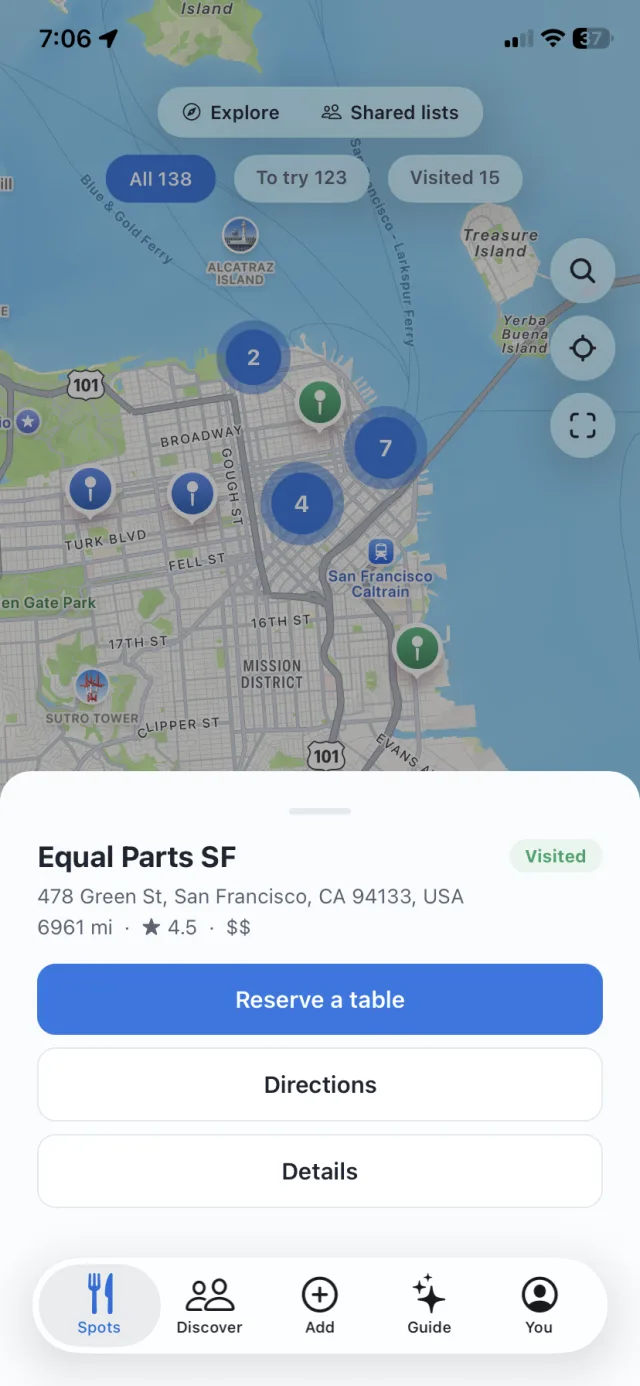
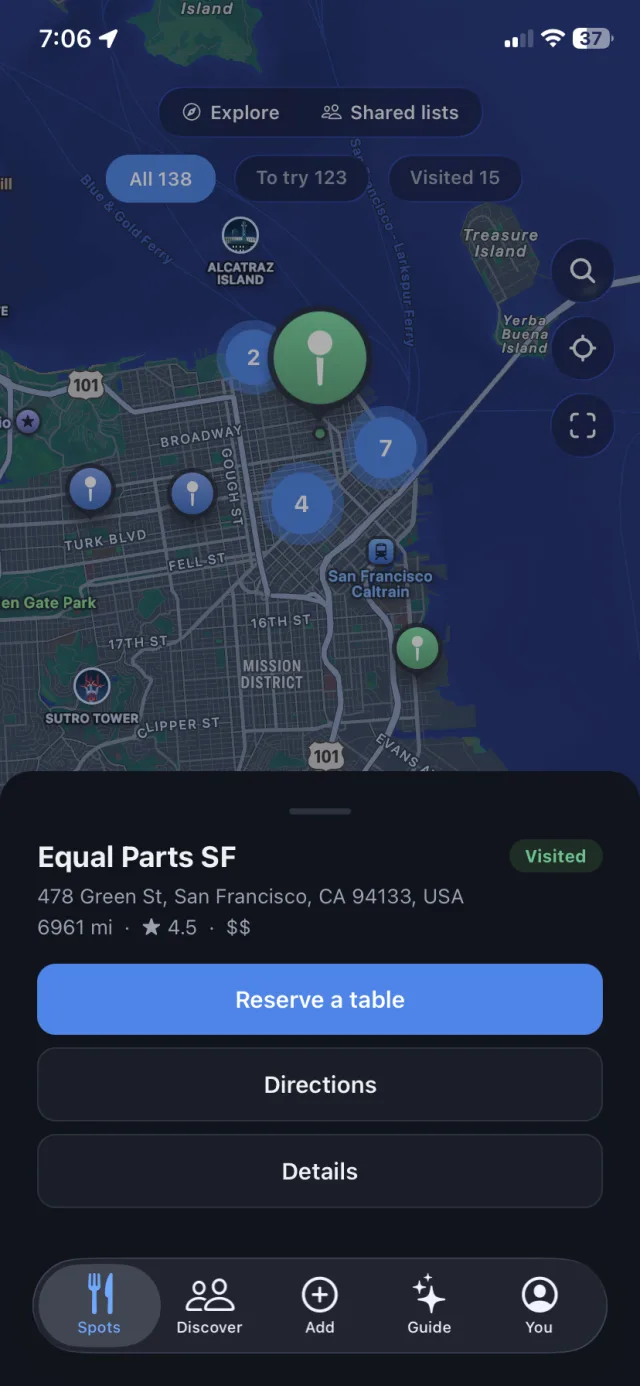
Tap the pin. Book the table.
Every place you’ve ever saved, on one map. Filter by want-to-go or visited, wherever you are.
- Reserve without the detour. One tap opens the restaurant’s real booking page, OpenTable, Resy or Tock, already set for two tonight at 7.
- Explore mode. Flip one switch and the map shows popular spots from the whole Spotguide community around you.
- Nearby nudges. Walk near a saved spot and Spotguide taps you on the shoulder. Geofences, not constant tracking.
Ask your map anything.
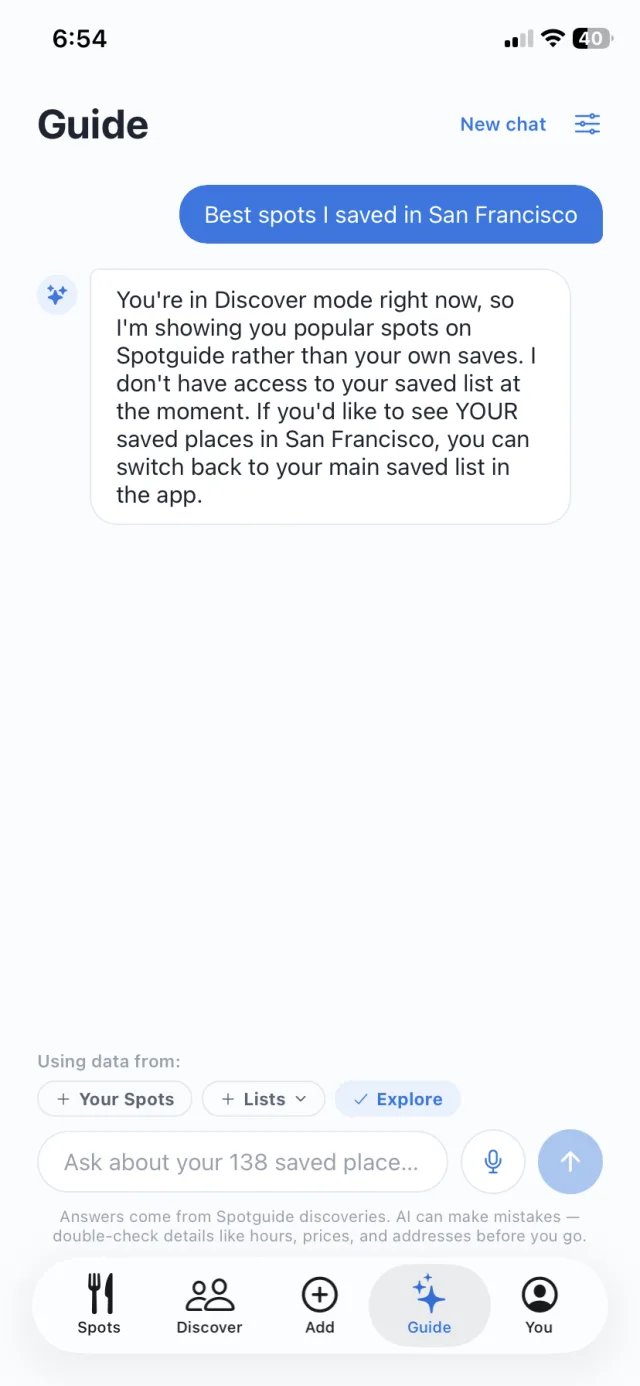
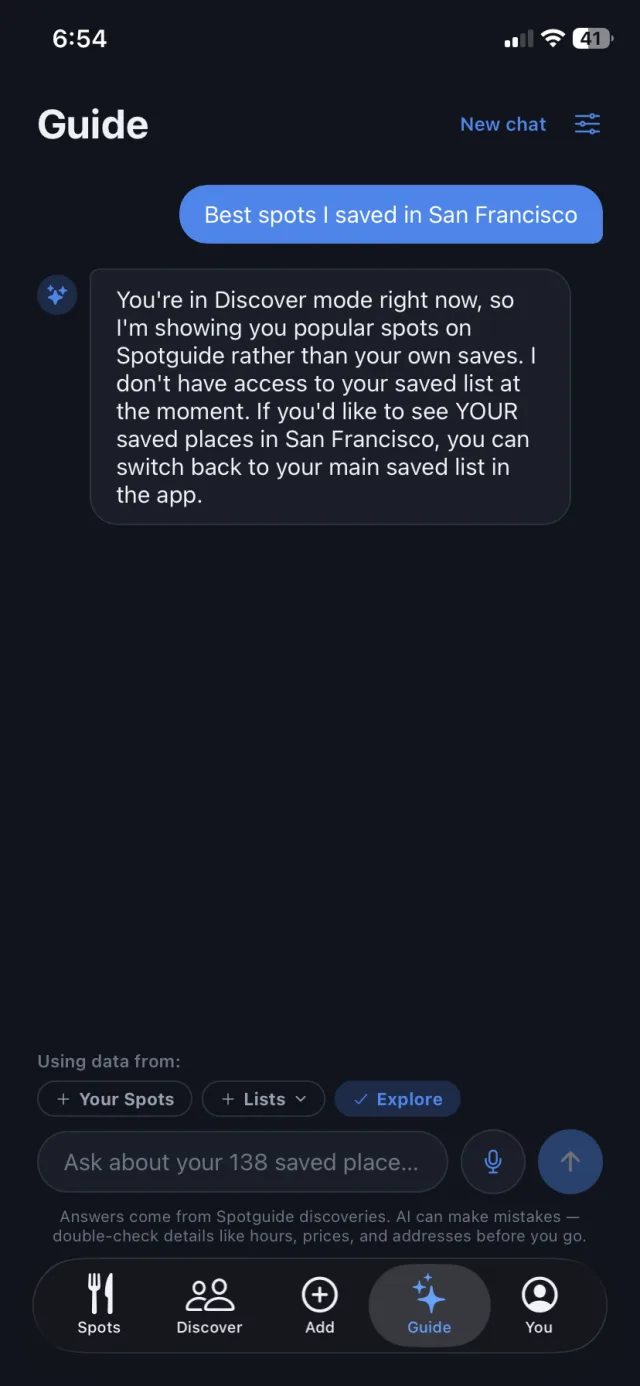
Guide is the assistant that actually knows your saves, because it watched every video you sent.
- Plain-English answers. “Cozy date spot I saved in the Mission?” Guide answers from your own map, not a stranger’s reviews.
- It remembers why. The pasta flight, the rooftop, the “chaotic late-night counter”: the reason you saved it is part of the answer.
- Discover mode. New city, empty map? Point Guide at all of Spotguide’s discoveries instead of just your own.
Follow people who eat like you.
The best restaurant tips have always come from friends. Now their maps are one tap away.
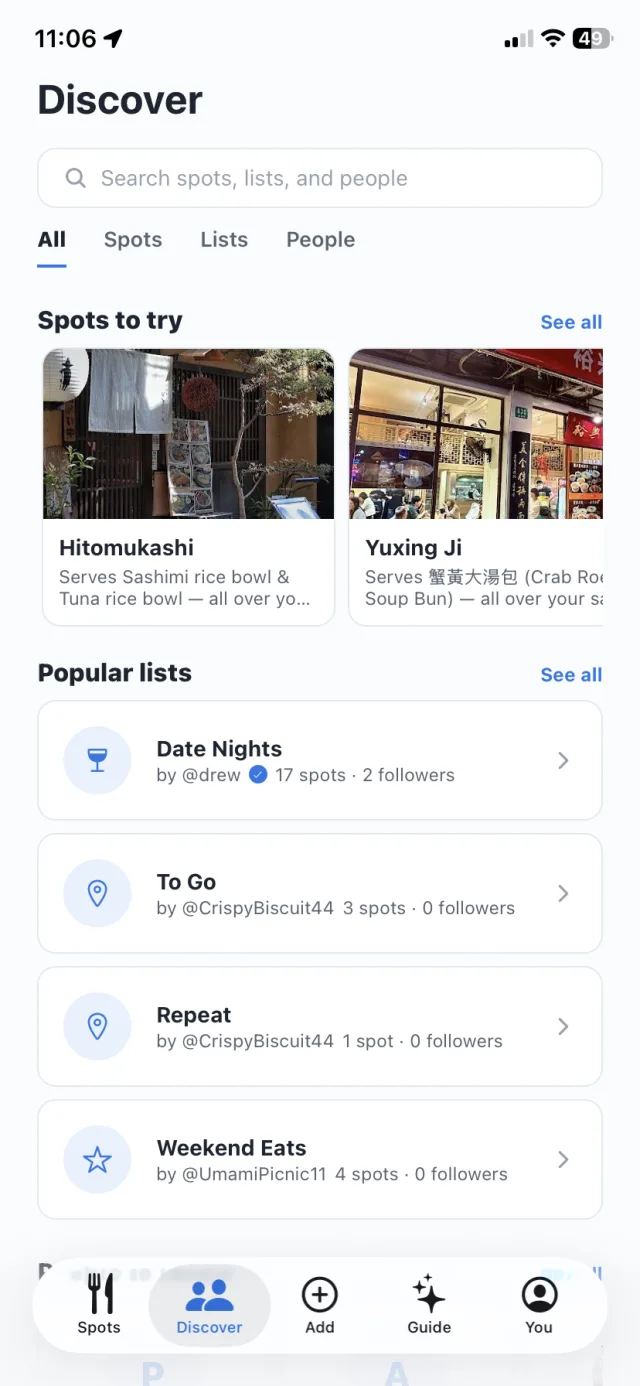
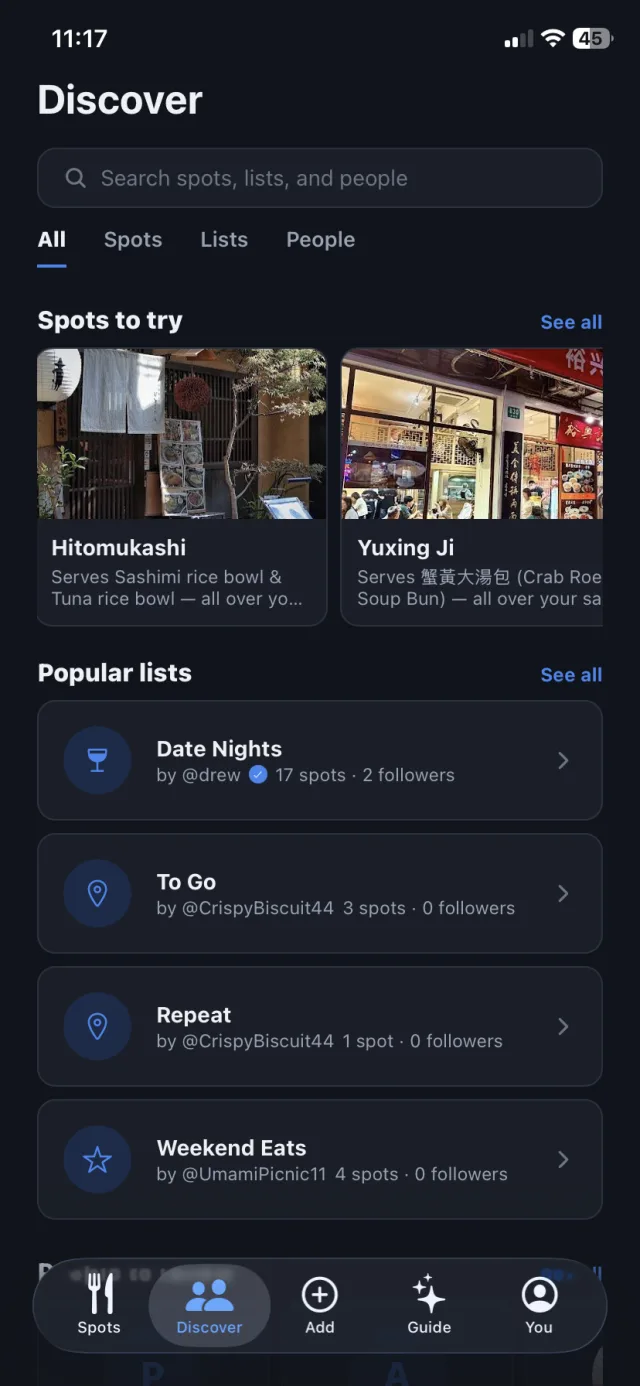
- Spots to try. Picked for your taste from what the community is saving, with the dish that made each one famous.
- Similar-taste people. Spotguide surfaces eaters whose saves overlap yours. Follow them and their finds find you.
- Popular lists. “Date Nights”, “Weekend Eats”: follow a list and it stays live as its owner adds spots.
Your taste, shareable.
Turn your saves into lists your friends will actually use, and see theirs on your own map.
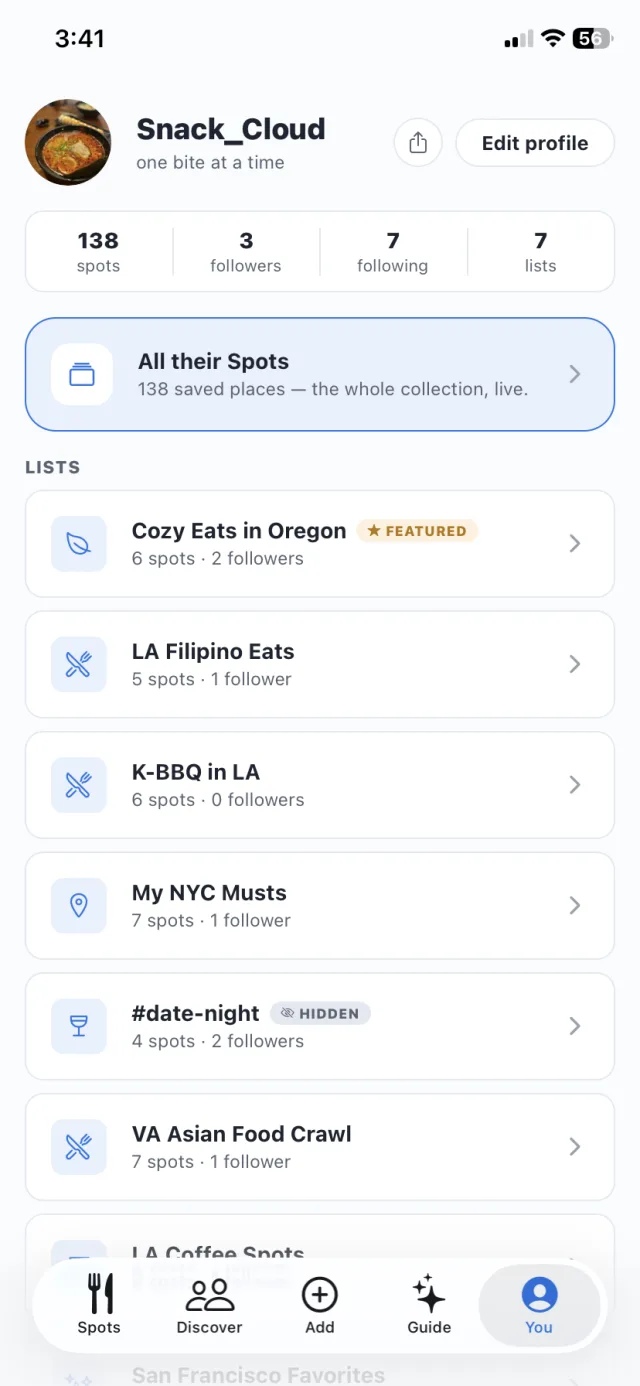
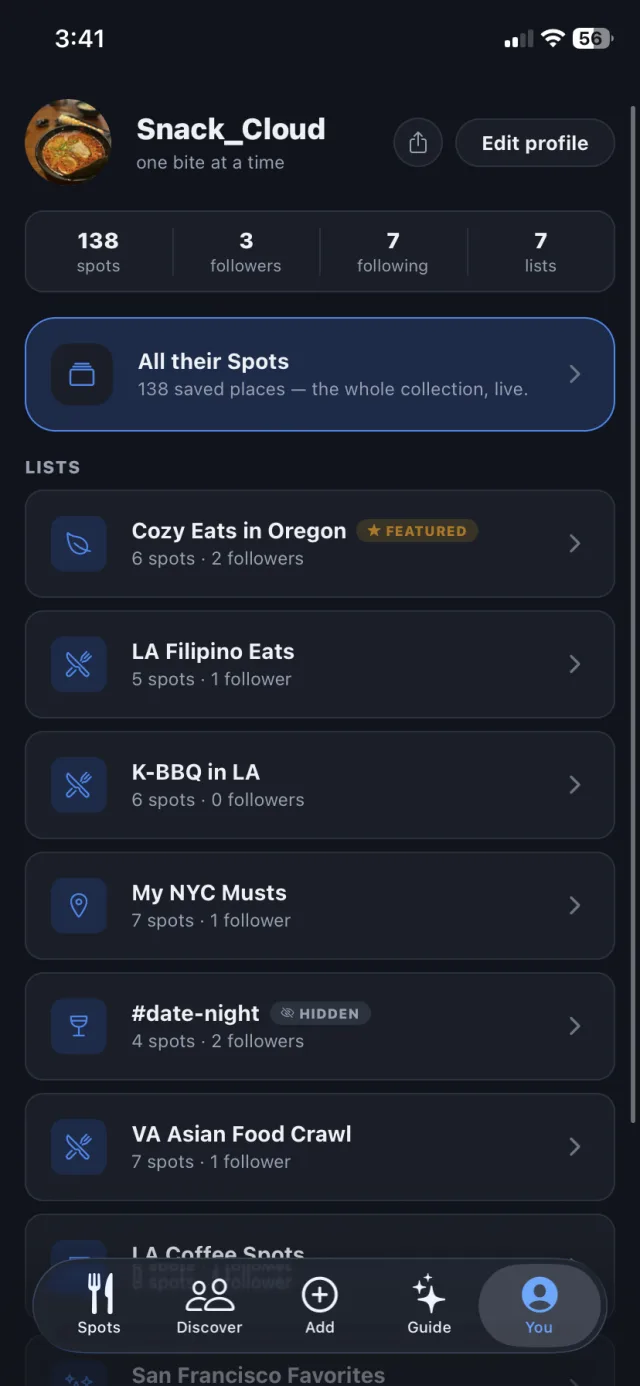
- Shared lists open on the map. Send “K-BBQ in LA” to a friend and it opens as pins they can browse, save, and follow.
- A profile that says it all. Your spots, your lists, your followers. Show off the lists you’re proud of and keep the rest private.
- Ratings stay private. One smile-or-frown after a visit teaches Spotguide your taste. Nobody else ever sees it.
From a Reel to a reservation
No screenshots piling up. No “what was that place called?”
Step 1
Send the post
Share the Reel to @spotguideapp on Instagram, or paste any Reel, TikTok, or Maps link. A screenshot works too.
Step 2
Spotguide watches it
It reads the caption and tags, then watches the video itself, down to the sign over the door, and matches the real restaurant. A “top 5” video? All five get saved.
Step 3
It lands on your map
Every spot becomes a pin that remembers the dish and the vibe from the video, and taps you on the shoulder when you’re close.
New
Ask your map what’s open near you, right now
Guide knows where you are and what time it is. “What did I save near me that’s open?” gets a real answer from your own map, with tonight’s hours, wherever you happen to be standing.
Questions, answered
The short version of everything people ask us.
What is Spotguide?
Spotguide is a free app that turns the food Reels and TikToks you save into a personal map of restaurants. Send it a video and it figures out the exact spot — name, address, hours — and pins it so you can actually go.
How do I save a restaurant from an Instagram Reel?
Share the Reel to @spotguideapp in an Instagram DM, the same way you'd send it to a friend. Spotguide finds the restaurant in the video and adds it to your map — usually within a minute.
Does Spotguide work with TikTok?
Yes. Paste any TikTok or Instagram link into the app and Spotguide pulls out the restaurant. Videos that cover several places get every spot saved, not just one.
How does Spotguide know which restaurant is in the video?
Its AI reads the caption, the creator's tags and location, and the video itself, then matches all of that to the real place — with its address, hours, and a Google Maps link. If a video never names the spot, Spotguide can often still identify it from what's on screen.
Is Spotguide on the App Store and Google Play?
Yes — Spotguide is out on both. Get it free for iPhone on the App Store and for Android on Google Play, or use the web app in any browser.
Is Spotguide free?
Yes — Spotguide is free. Download it from the App Store or Google Play, or start using the web app right away.
Can Spotguide recommend where to eat?
Yes — ask Guide, the AI chat inside the app. Questions like "best date-night spot I saved in SF" get answered from your own saved places, including why you saved them. Switch it to Explore and it draws on popular spots from the whole Spotguide community instead.
Can I share lists or follow friends on Spotguide?
Yes. Make lists like "Date Nights" or "K-BBQ in LA", share them, and they open as pins on your friend's map — ready to browse, save, or follow. You can also follow people whose taste matches yours and see the spots and lists the community is loving in the Discover tab.
How do I remember to actually visit the places I save?
Spotguide sends a friendly nudge when you're near a spot you saved — powered by geofenced reminders, not constant location tracking. You control how often it can ping you.
What cities does Spotguide work in?
Anywhere. If the restaurant exists on the map, Spotguide can save it — it works wherever you live and wherever you travel.
Never lose a restaurant again.
Send your first Reel tonight. Your food map starts in seconds.
Free on iPhone and Android. Or open it in your browser